Unattached EBS volumes: how to find them and delete them safely
An unattached EBS volume bills for every GB you provisioned until you delete it. What it costs in us-east-1, why they pile up, and how to delete them safely.
Key takeaways
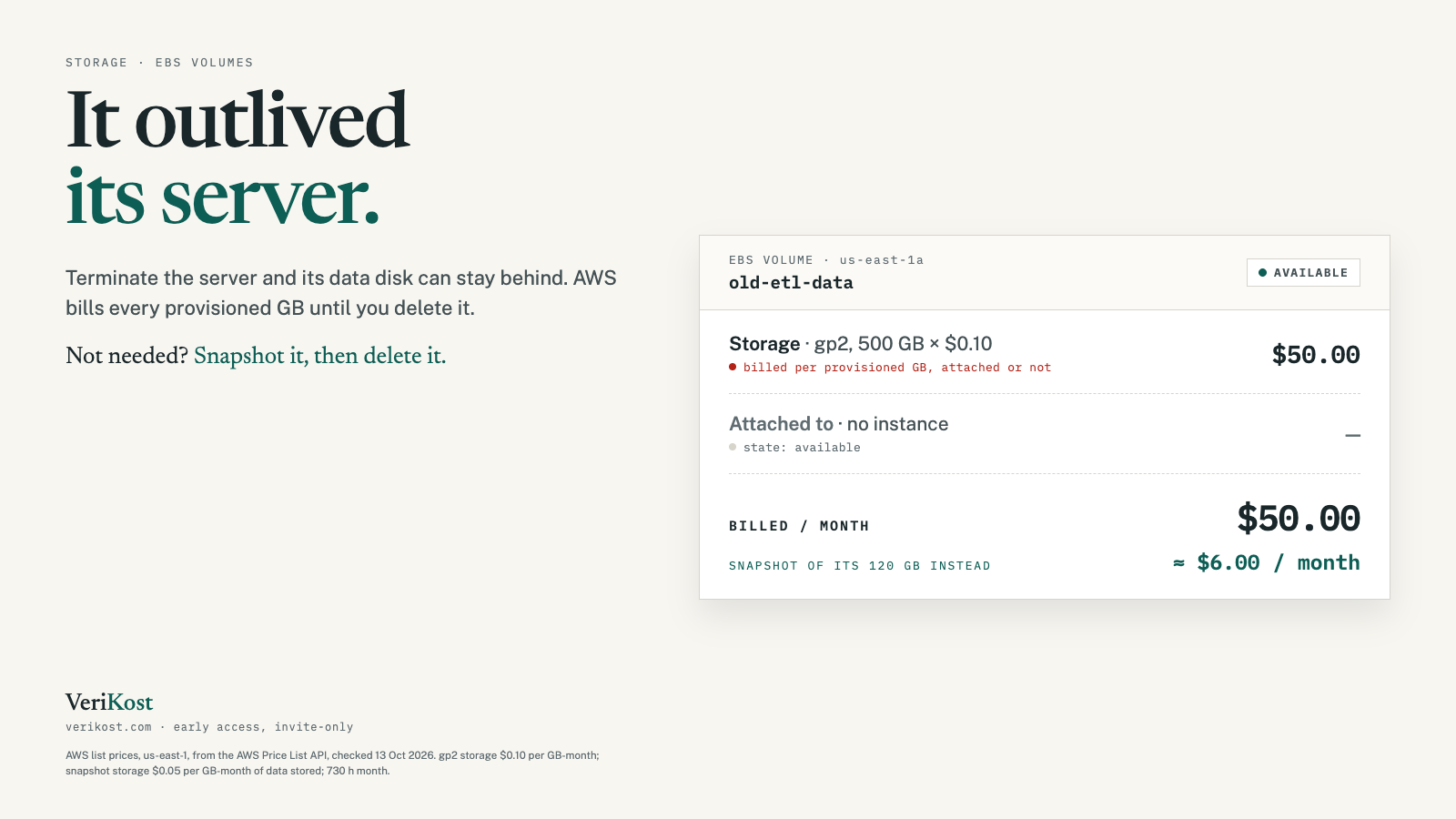
- An unattached EBS volume bills for every GB you provisioned until you delete it. A 500 GB gp2 volume is $50.00 a month in us-east-1.
- Most come from terminated servers: a data volume added in the console at launch is kept by default when the instance is terminated.
- A snapshot bills only for the data stored, at $0.05 per GB-month, so keeping a snapshot instead of the volume is usually far cheaper.
- Before deleting, check the tags, check when it was detached, and take a snapshot.
Terminate a server and its disks should go with it. Often they don’t. The volume stays in your account, attached to nothing, and AWS bills it every month until someone notices.
01How much does an unattached EBS volume cost?
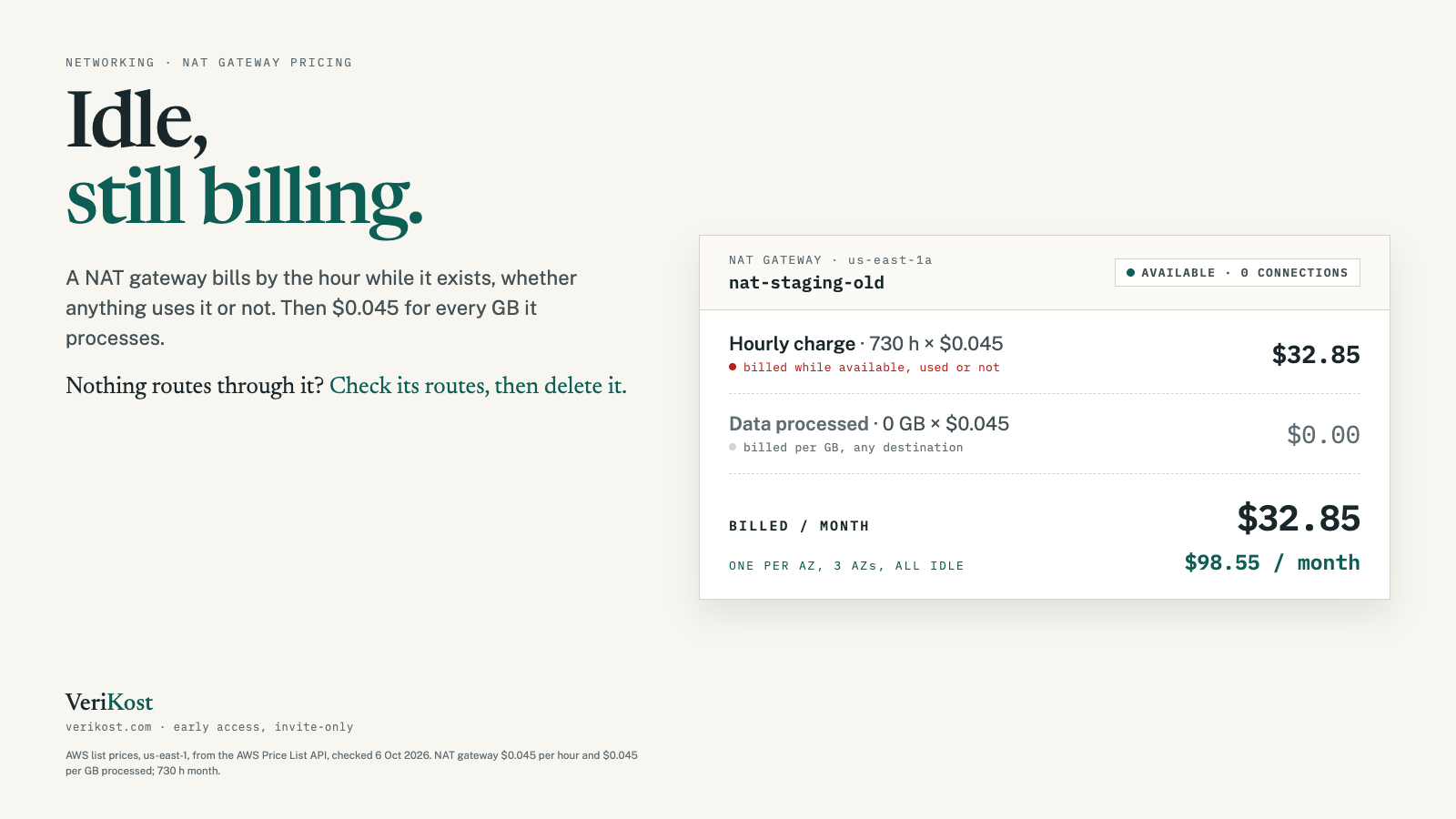
An unattached volume shows the state available. AWS bills EBS for the storage you provisioned, not the data on it, until you delete the volume. Here is a 500 GB volume at us-east-1 list prices:
| Volume type | Price per GB-month | Per month |
|---|---|---|
| gp3 (General Purpose SSD) | $0.08 | $40.00 |
| gp2 (older General Purpose SSD) | $0.10 | $50.00 |
| io1 / io2 (Provisioned IOPS SSD) | $0.125 | $62.50 |
| st1 (Throughput Optimized HDD) | $0.045 | $22.50 |
| sc1 (Cold HDD) | $0.015 | $7.50 |
Extra performance keeps billing too. A gp3 volume includes 3,000 IOPS for free, and every IOPS provisioned above that adds $0.005 a month, attached or not. io1 and io2 volumes also bill for their provisioned IOPS.
02Why do unattached EBS volumes pile up?
Because of a setting called DeleteOnTermination. Its default depends on how the volume was attached:
| Volume | Attached | Default |
|---|---|---|
| Root volume | At launch | Deleted |
| Data volume | At launch, in the console | Kept |
| Data volume | At launch, with the CLI | Deleted |
| Any volume | After launch | Kept |
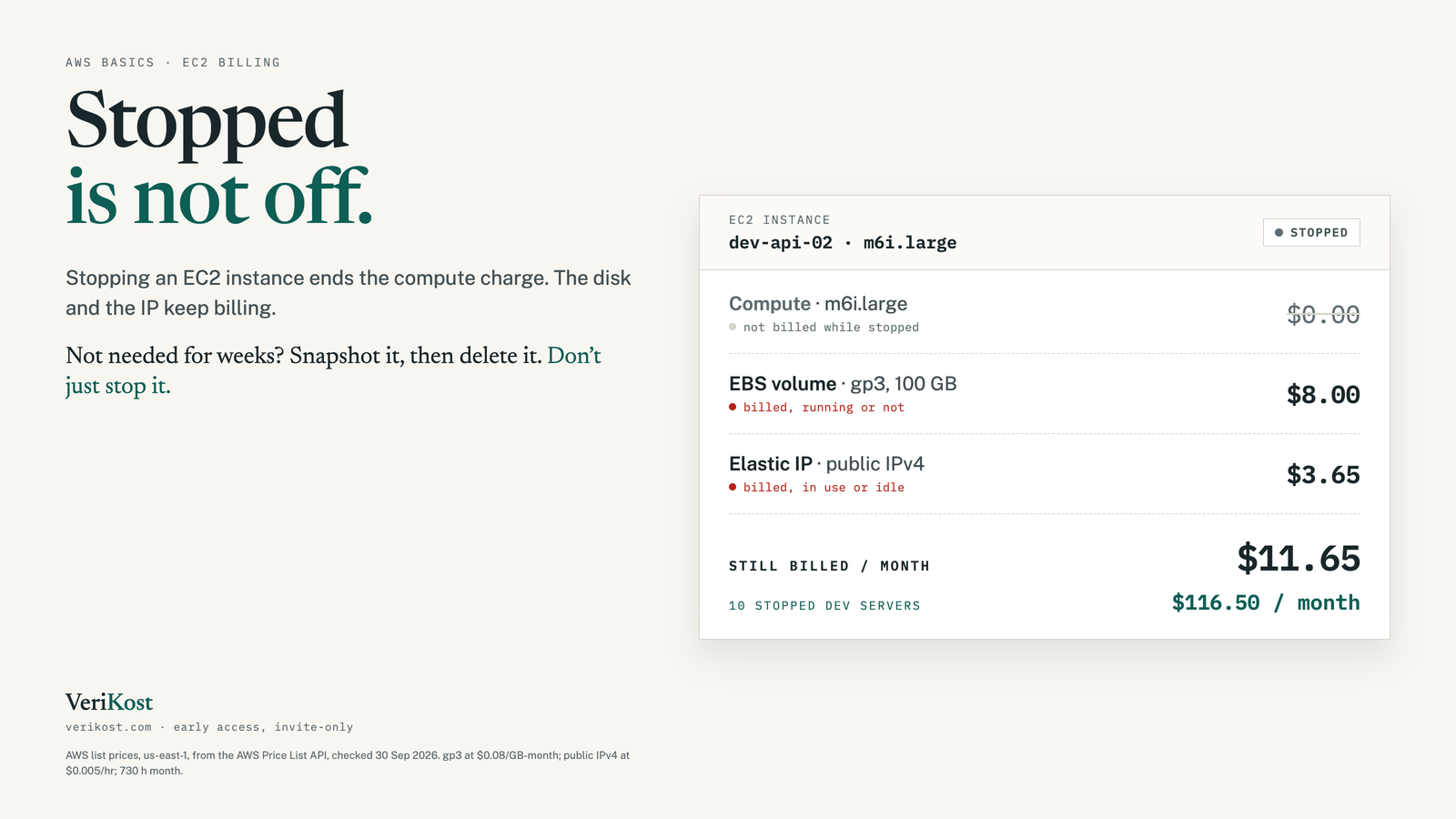
So the common story: someone launches a server in the console with an extra data disk, the project ends, the server is terminated, and the data disk stays behind. Disks detached during a migration or a resize are the other usual source.
03Is a snapshot cheaper than keeping the volume?
Usually, by a lot. A snapshot is billed at $0.05 per GB-month for the data actually stored in it. AWS doesn’t save empty blocks, so a snapshot of a 500 GB volume holding 120 GB of data is billed for about 120 GB: around $6.00 a month, against $50.00 for keeping the gp2 volume itself.
04How do you find unattached EBS volumes?
In the console: EC2 → Volumes, filter by Volume state = Available. Or with the AWS CLI, which also shows each volume’s size, type, creation date and tags:
aws ec2 describe-volumes --filters Name=status,Values=available \
  --query 'Volumes[].{ID:VolumeId,GiB:Size,Type:VolumeType,Created:CreateTime,Tags:Tags}' \
  --output table

# The same check in every region you have enabled
for r in $(aws ec2 describe-regions --query 'Regions[].RegionName' --output text); do
  echo "== $r"
  aws ec2 describe-volumes --region "$r" --filters Name=status,Values=available \
    --query 'Volumes[].[VolumeId,Size,VolumeType]' --output text
done05How do you delete an unattached volume safely?
- Check the tags. A Name or owner tag usually tells you whose it was.
- Check when it was detached. CloudTrail event history keeps 90 days of management events; a
DetachVolumemonths ago is a good sign nobody needs it. - Take a snapshot, then delete. Once the volume is deleted, its data is gone unless a Recycle Bin retention rule covers it.
# When was it detached? (last 90 days)
aws cloudtrail lookup-events \
  --lookup-attributes AttributeKey=ResourceName,AttributeValue=vol-0123456789abcdef0 \
  --query 'Events[].[EventTime,EventName,Username]' --output table

# Snapshot, wait for it to finish, then delete the volume
aws ec2 create-snapshot --volume-id vol-0123456789abcdef0 \
  --description "Before deleting unattached volume"
aws ec2 wait snapshot-completed --snapshot-ids snap-0123456789abcdef0
aws ec2 delete-volume --volume-id vol-0123456789abcdef006How do you stop new ones from appearing?
Check the setting before it matters. In the console, open an instance’s Storage tab and look at the Delete on termination column. Any data volume marked No will outlive the server. If you don’t need to keep it, set it to delete when you launch, or change it on a running instance with aws ec2 modify-instance-attribute and a block device mapping that sets DeleteOnTermination to true.
Frequently asked questions
Do you pay for an EBS volume that is not attached to anything?
Yes. AWS bills EBS volumes for the storage you provisioned, attached or not, until you delete them. In us-east-1 that is $0.08 per GB-month for gp3 and $0.10 for gp2.
Why are EBS volumes left behind after terminating an instance?
Each volume has a DeleteOnTermination setting. Root volumes created at launch default to delete, but data volumes added in the console at launch, and any volume attached after launch, default to preserve. Those stay after the instance is gone.
Is a snapshot cheaper than keeping an unattached volume?
Usually, yes. A snapshot is billed at $0.05 per GB-month for the data actually stored, not the volume’s provisioned size, while the volume bills for every provisioned GB.
Can I recover an EBS volume after deleting it?
Only if a Recycle Bin retention rule covers it, or if you took a snapshot first. Otherwise the data is gone, so take a snapshot before you delete.
Sources
- AWS Price List API, us-east-1: EBS gp3, gp2, io1, io2, st1 and sc1 storage, gp3 IOPS, EBS snapshot storage
- Amazon EBS pricing page: provisioned storage billing, snapshot billing, gp3 baseline performance
- Amazon EC2 user guide: default DeleteOnTermination behaviour
- Amazon EBS user guide: deleting a volume, Recycle Bin